
Social Media Analytics: The Complete Guide
Posting and hoping used to be enough. It isn’t anymore.
Brands that grow today are the ones that actually understand their numbers, not just the ones posting the most. Social media success now comes down to knowing what’s working, who’s actually engaging, and why.
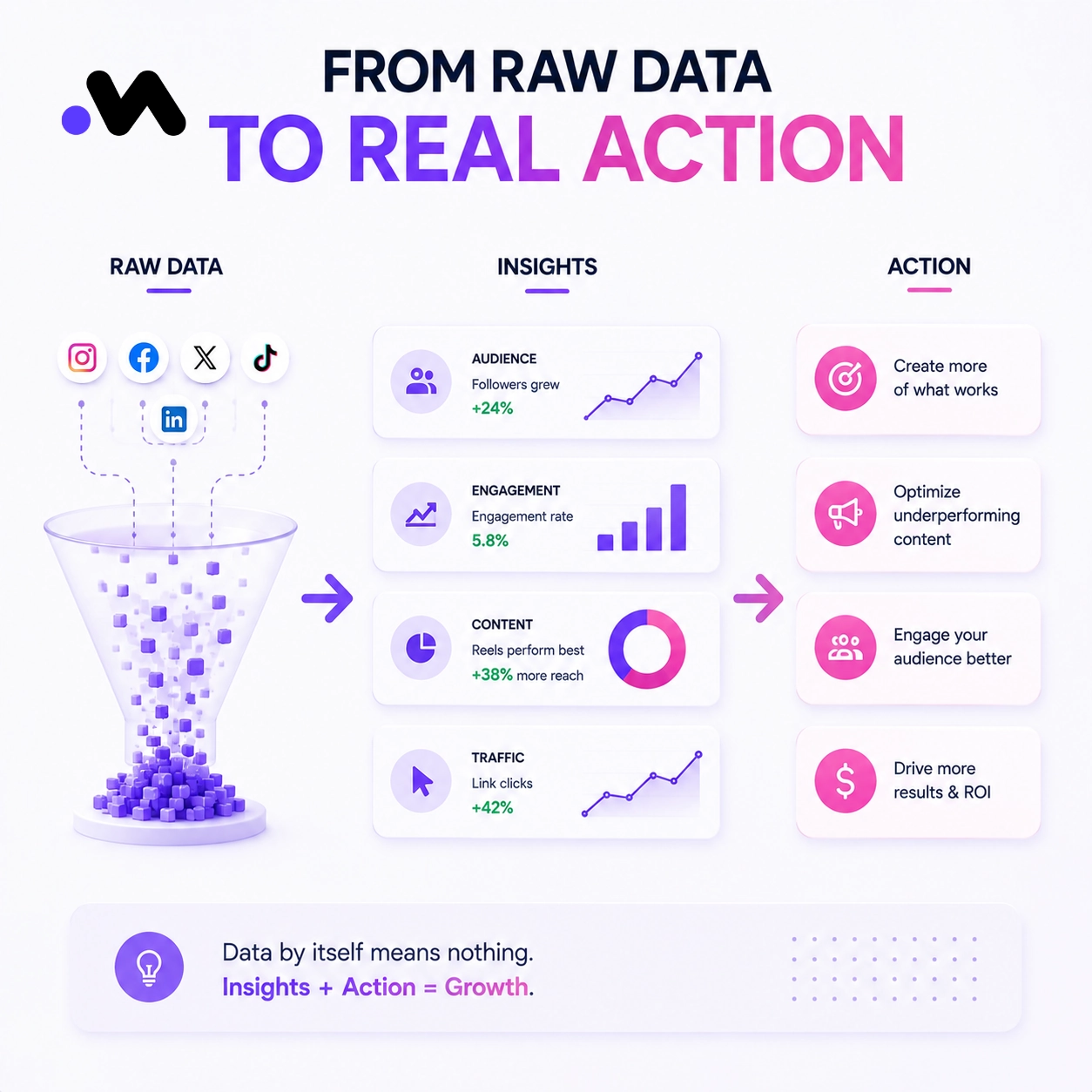
Social media analytics is simply the process of turning all that raw data, likes, views, clicks, comments, into decisions you can actually act on. Done right, it tells you what to post more of and what to stop wasting time on.
The right approach, backed by the right social media analytics tool, helps teams prove ROI to leadership, sharpen their content, and grow faster with far less guesswork.
What Is Social Media Analytics?
Social media analytics is the practice of collecting and interpreting data from your social accounts to understand performance and guide strategy.
It’s easy to confuse this with metrics, but they’re not the same thing.
Metrics are the raw numbers, likes, shares, follower count. They tell you what happened.
Analytics goes further. It explains why something happened and what you should actually do next. A follower count alone means very little without the context behind it.
Why Social Media Analytics Matters
Numbers only matter if they lead somewhere. Here’s what solid analytics actually gives you.
- It lets you prove ROI to leadership with real data instead of a gut feeling.
- It shows you what your audience genuinely responds to, not what you assume they like.
- It helps you optimize content and campaigns based on evidence.
- It replaces guessing with decisions grounded in what’s actually happening.
In practice, this means spotting your best performing content early, catching trends before competitors do, improving engagement and conversion rates over time, and putting budget where it actually earns results.
A brand that checks its analytics weekly will out learn a brand that checks once a quarter, every single time.
Key Social Media Metrics to Track
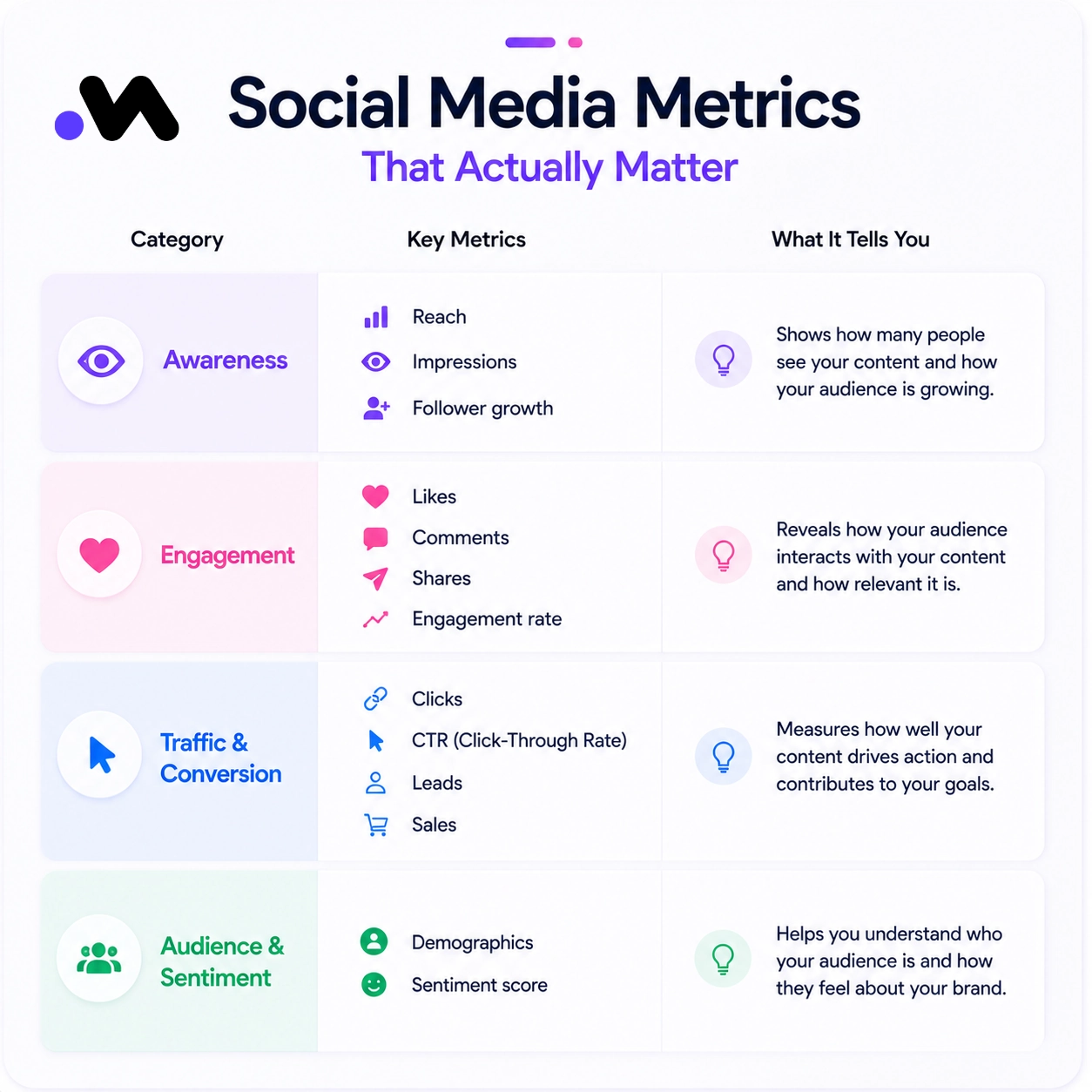
Not every metric deserves your attention. The trick is focusing on the ones tied to an actual business goal, not just the ones that are easiest to screenshot.
| Category | Key metrics |
| Awareness | Reach, Impressions, Follower growth |
| Engagement | Likes, Comments, Shares, Engagement rate |
| Traffic & Conversion | Clicks, CTR, Leads, Sales |
| Audience & Sentiment | Demographics, Sentiment score |
If a metric doesn’t connect back to awareness, engagement, conversion, or audience understanding, it’s probably just noise.
Types of Social Media Analytics
Different questions need different kinds of analysis. Here’s how the main types break down.
Performance analytics looks at how individual posts and campaigns are doing. Audience analytics tells you who’s actually following and engaging with you.
Competitive analysis shows how you stack up against similar accounts in your space. Sentiment analysis, sometimes called social listening, tracks how people feel about your brand, not just how often they interact with it. Paid social analytics measures how your ad spend is actually performing.
Each one answers a different question, and most brands need at least three or four of these working together.
How to Turn Social Media Data into Action
Collecting data is the easy part. Turning it into something useful takes a repeatable process.
- Collect the data across your platforms, consistently, not just when someone asks for a report.
- Analyze the patterns, what’s trending up, what’s flat, what’s quietly declining.
- Extract the insight, the actual reason behind the pattern, not just the pattern itself.
- Adjust your strategy based on what you found, then repeat the cycle.
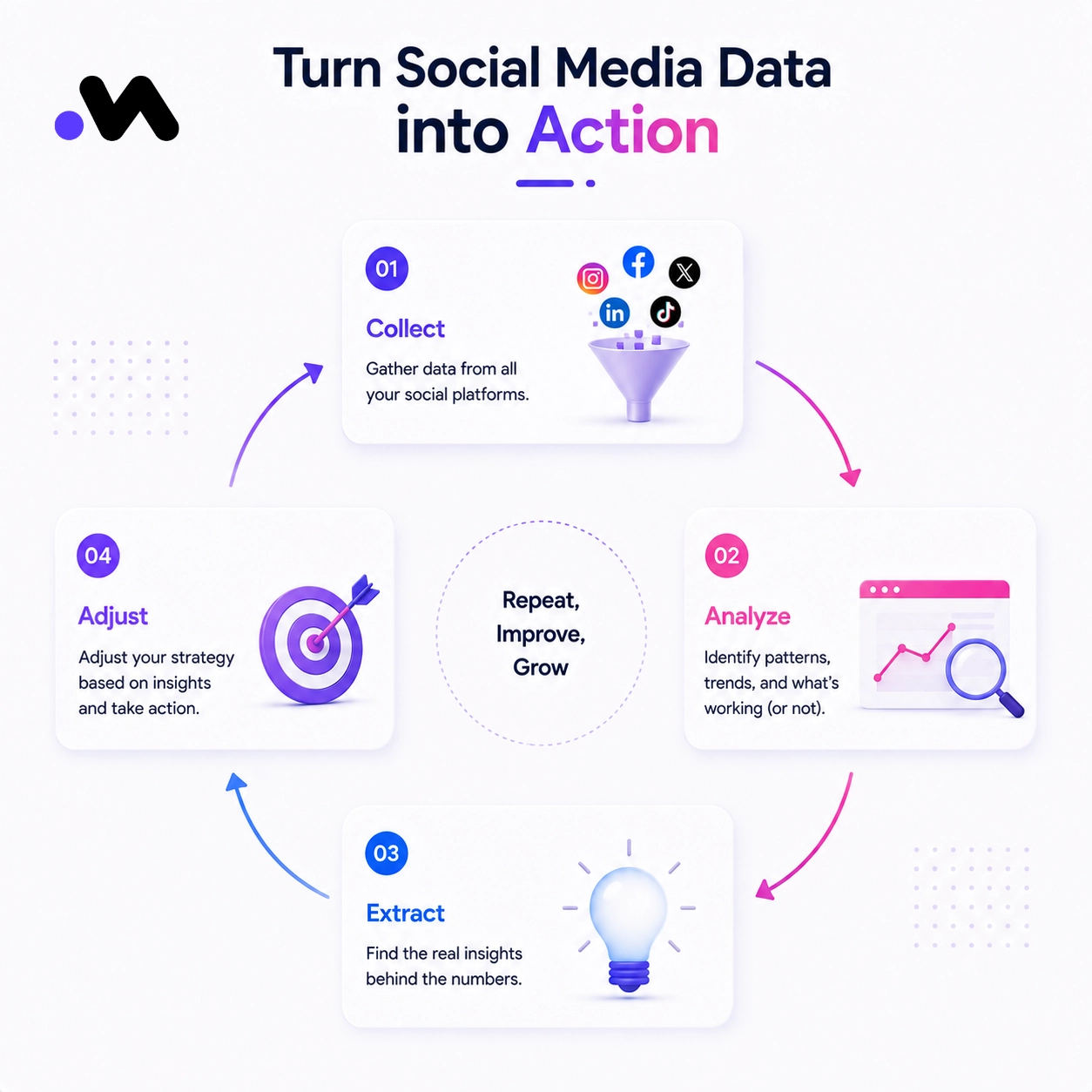
Skipping the adjust step is the most common failure point. Plenty of teams collect and analyze, then post the exact same way next month anyway.
Types of Reports Every Social Media Manager Should Run
- Profile Performance Report. Shows overall account health, follower growth, reach, and engagement rate over a chosen time period.
- Post Performance Report. Ranks individual posts by engagement, reach, or clicks so you know exactly what to repeat.
- Competitor Comparison Report. Places your key metrics side by side with similar accounts to show where you’re actually ahead or behind.
- Campaign Report. Tracks a specific push, a launch, a promotion, a collaboration, from start to finish against its own goal.
- Audience Report. Breaks down who’s actually following and engaging with you, by location, age, and activity patterns.
Signs Your Current Analytics Setup Isn’t Working
- You only check numbers after something goes wrong. Reactive checking means you’re always a step behind.
- You track everything and act on nothing. More dashboards without a clear next step just adds noise.
- You can’t explain why a post did well. If a spike is a mystery, the data isn’t actually being used.
- You’re comparing yourself to nobody. Without competitor context, a “good” number is just a guess.
- Reporting takes longer than acting on it. If pulling the report eats the whole week, something in the process needs to change.
Common Mistakes to Avoid in Social Media Analytics
A few habits quietly undermine even a solid analytics setup.
Focusing only on vanity metrics like follower count while ignoring engagement quality. Tracking so many metrics that nothing actually gets acted on. Ignoring what competitors are doing well, or poorly. Never connecting social data back to real business results like leads or sales.
Analytics without action is just a spreadsheet nobody opens twice.
How Metriwo Helps with Social Media Analytics
This is exactly where a dedicated social media analytics tool earns its place, and it’s the core of what Metriwo is built for.
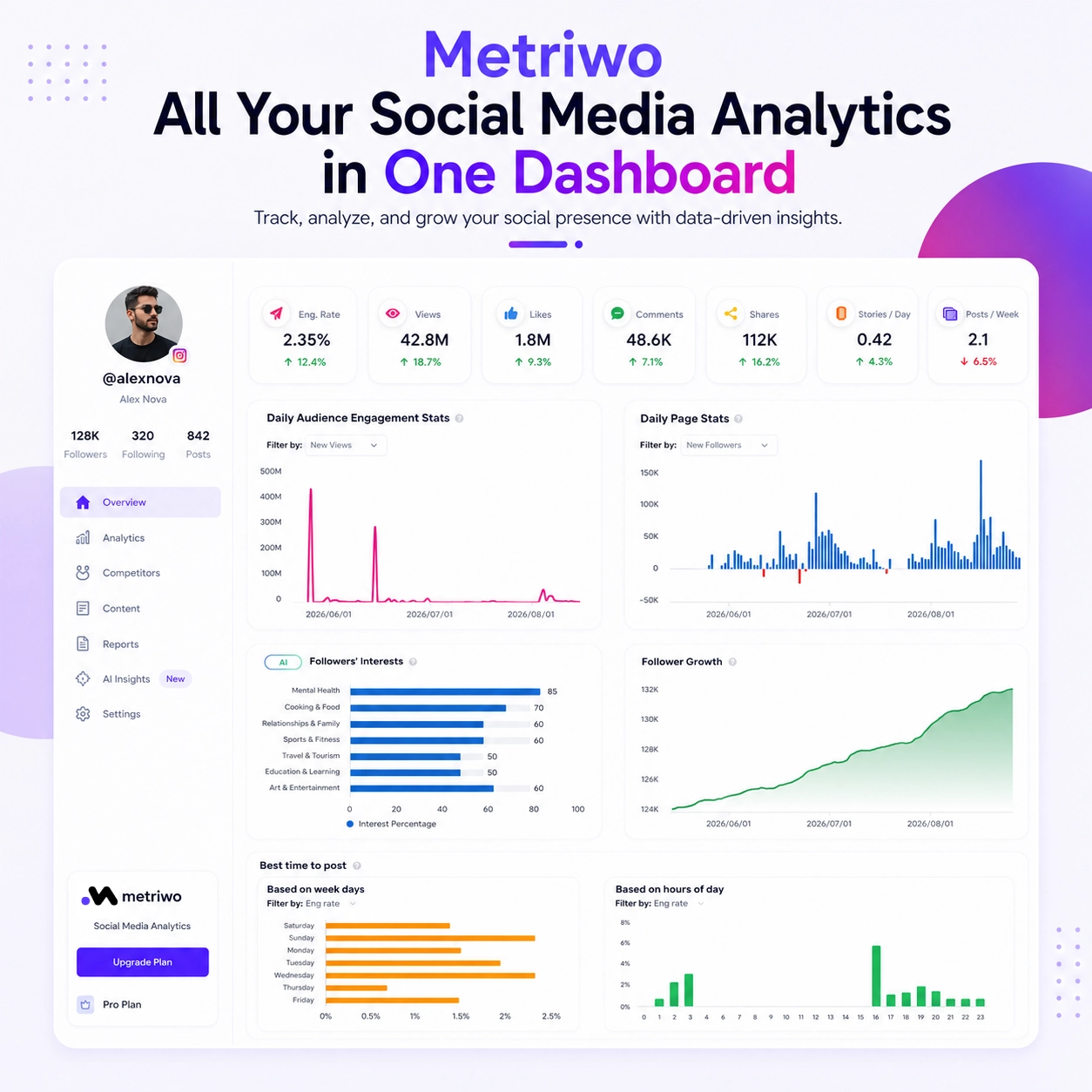
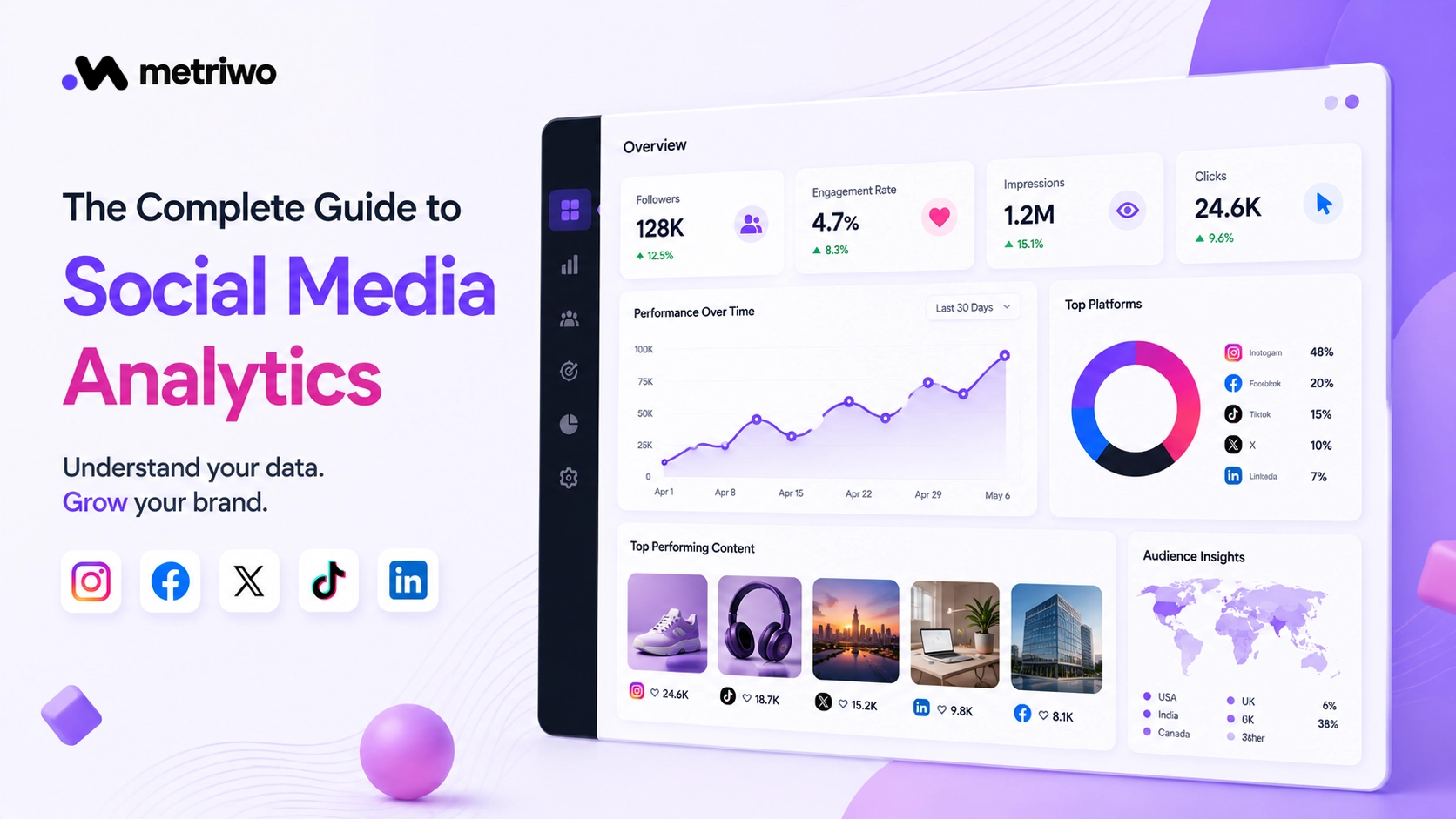
Metriwo pulls your key numbers into a single dashboard so you’re not jumping between five different apps just to check how last week went.
Follower growth tracking shows the trend line, not just a snapshot, so you can tell whether a spike was a fluke or the start of something real.
The social media competitor tool lets you build a watchlist and see how similar accounts are performing, without needing their login or connecting anything of your own.
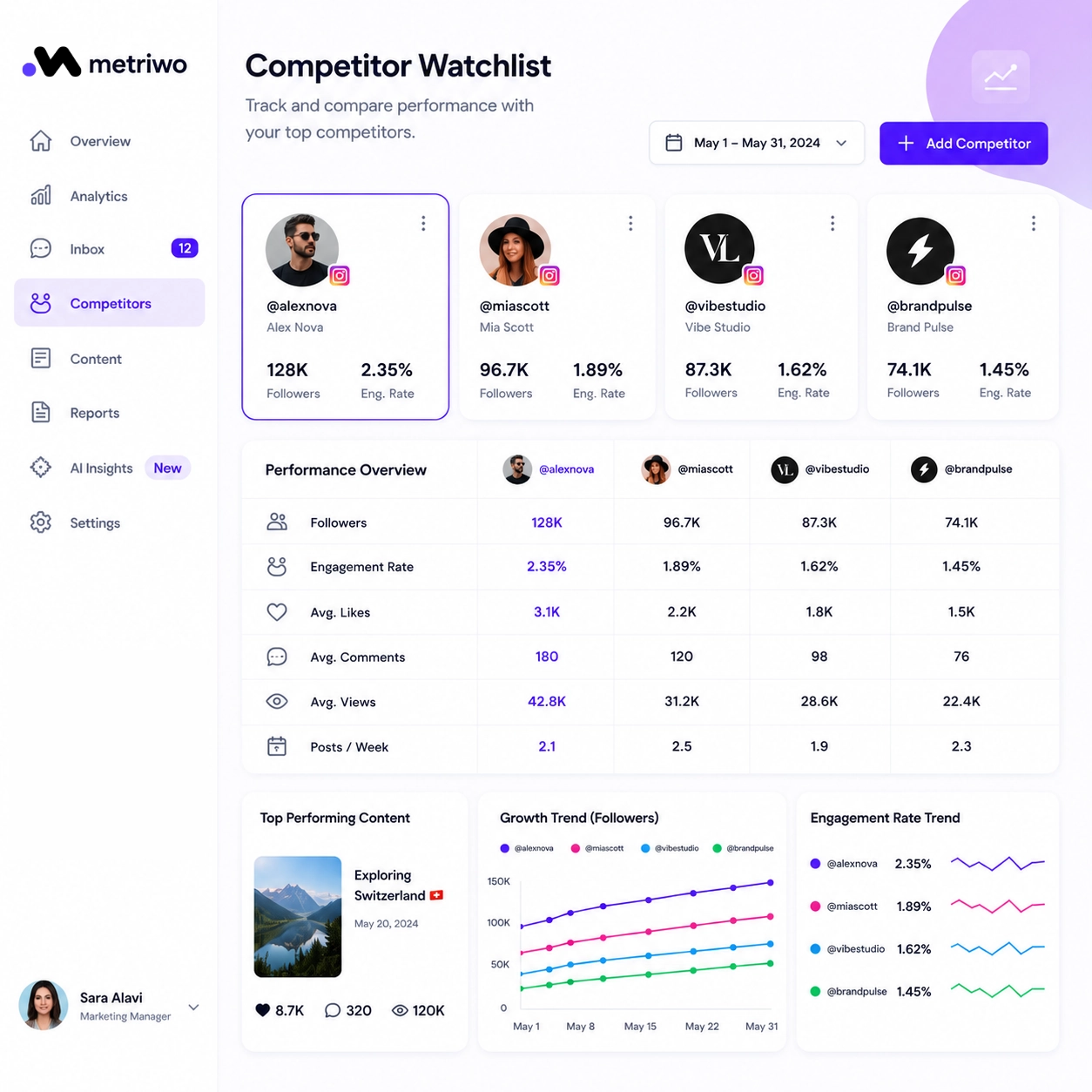
Content and engagement analysis shows which posts are actually pulling their weight, so you can do more of what works and quietly drop what doesn’t.
Metriwo also breaks down performance by platform, since a good Instagram analytics tool doesn’t necessarily behave the same way as a solid Facebook analytics tool, X analytics tool, TikTok analytics tool, or LinkedIn analytics tool. Each platform has its own quirks, and Metriwo accounts for that instead of forcing every channel into the same generic report.
Try Metriwo free and see your own numbers laid out clearly instead of scattered across five different apps.
Best Practices for Using a Social Media Analytics Tool
A good tool only helps if it’s used well. A few habits make a real difference.
Set clear goals before you start tracking anything, data without a goal is just noise. Review performance on a regular schedule, weekly beats monthly almost every time. Compare performance across platforms rather than judging each one in isolation. Combine organic and paid insights instead of treating them as separate stories. Use competitor data to spot gaps and opportunities your own account might be missing.
Bringing It All Together
Social media analytics turns raw numbers into decisions worth making. It’s the difference between posting and hoping, and posting because you know it’ll land.
Consistent analysis, checked regularly and actually acted on, leads to better content, stronger engagement, and results you can point to with confidence.
The right social media analytics tool makes that whole process faster and far less painful. Try Metriwo to track performance, keep an eye on competitors, and improve results across Instagram, Facebook, X, TikTok, and LinkedIn, all from one place.